Real SVG, precise layers, one click to download.
Five mark variants, six wordmark variants, six complete lockups and a round stamp. Every file has named layers (rim · tick · dot · wordmark) so you can toggle or recolor each one separately in Illustrator or Figma.
01/Symbol — a dot in a circle
The mark in five settings.
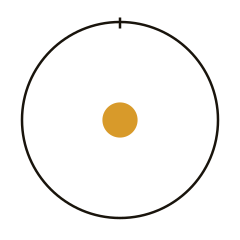
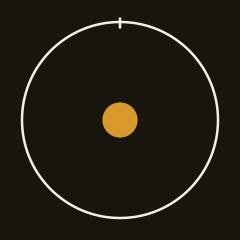
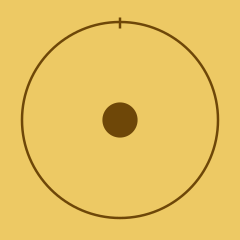
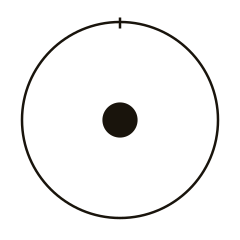
The symbol on its own, without the wordmark — for favicons, stamps, icons, stickers, watermarks. Three color variants plus two single-color cuts (pure black, pure white) for foil printing, embossing, and any case where color isn't an option.
Mark · on paper
logo/mark.svg
Mark · on dark
logo/mark-on-dark.svg
Mark · on yellow
logo/mark-on-yellow.svg
Mark · mono black
logo/mark-mono-black.svg
Mark · mono white
logo/mark-mono-white.svg

Choosing guide
On paper → dark mark. On dark → light mark, yellow dot. On yellow → everything in y-deep, single color.
02/Wordmark
monáda · Cormorant Garamond Bold.
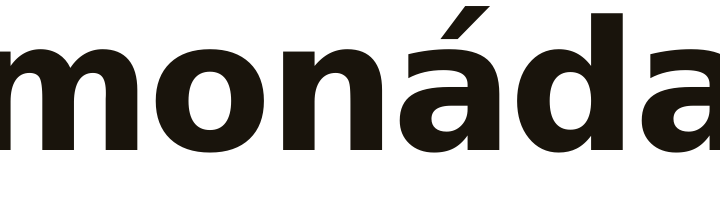
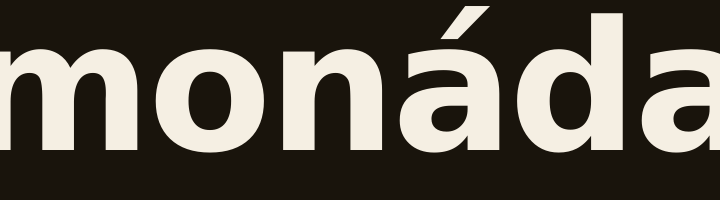
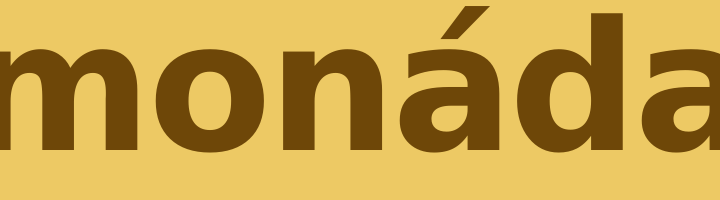
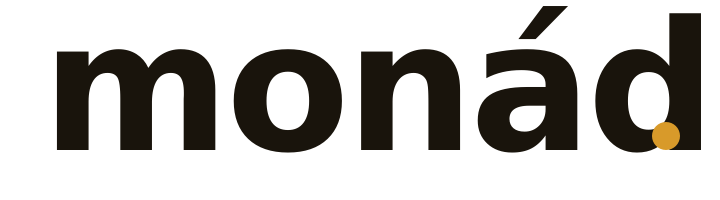
The wordmark on its own — when the symbol doesn't earn the space (narrow strips, menu headers, a credit on a photo). Lowercase, strong contrast between thin and thick strokes, precise tracking −22. The word always keeps its Slovak diacritics. The yellow-dot variant is for partners — posters, logo walls and joint print materials where the word sits among other brands' logos: as early and as large as possible.
Wordmark · on paper
logo/wordmark.svg
Wordmark · on dark
logo/wordmark-on-dark.svg
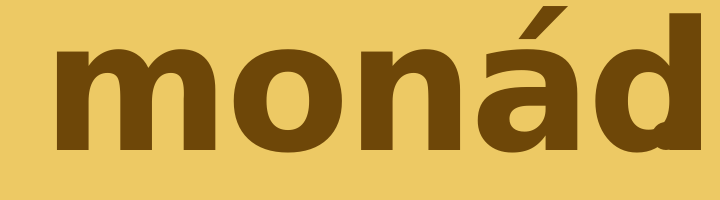
Wordmark · on yellow
logo/wordmark-on-yellow.svg
Wordmark + dot · on paper
logo/wordmark-dot.svg
Wordmark + dot · on dark
logo/wordmark-dot-on-dark.svg
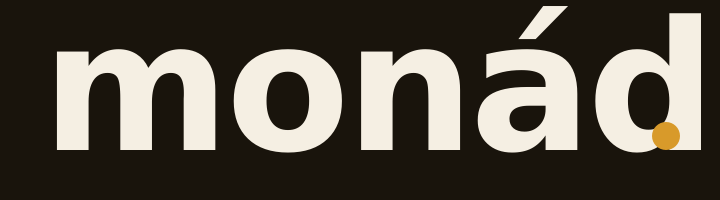
Wordmark + dot · on yellow
logo/wordmark-dot-on-yellow.svg
Mind the font.
The SVG stores the text as a live text element — to open it in Illustrator/Figma you need Cormorant Garamond 700 from Google Fonts installed. For a completely safe production version, I recommend:
- Step 1. Open the SVG in Illustrator or Figma.
- Step 2. Select the “wordmark” text layer and convert it to paths (Type → Create Outlines).
- Step 3. Save as the final print SVG/PDF (Cormorant Garamond is no longer needed).
03/Lockup · full logo
Horizontal and stacked.
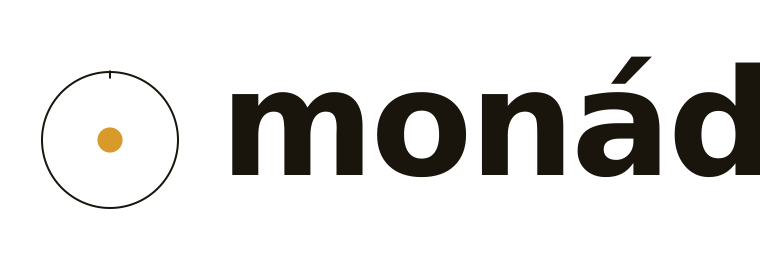
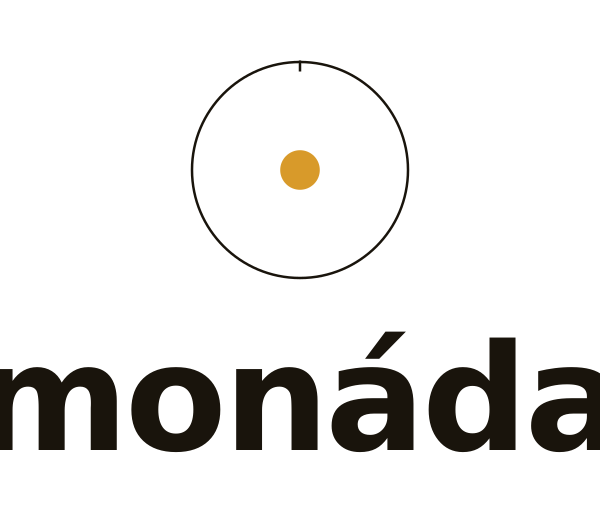
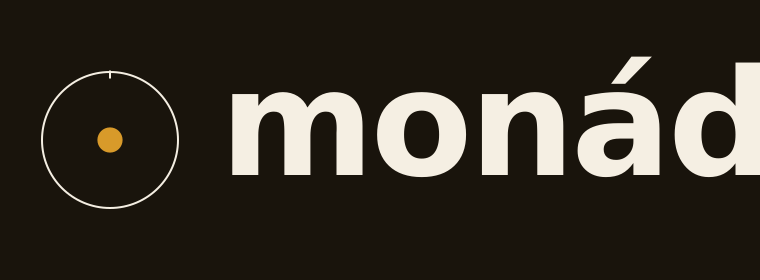
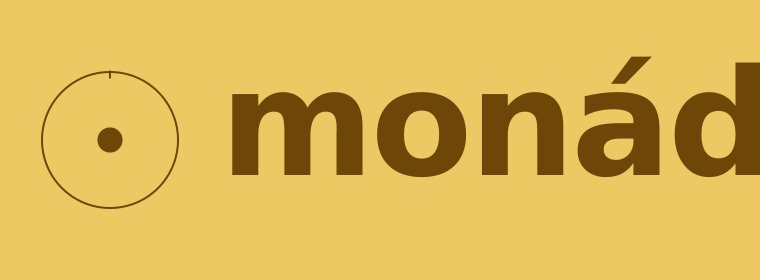
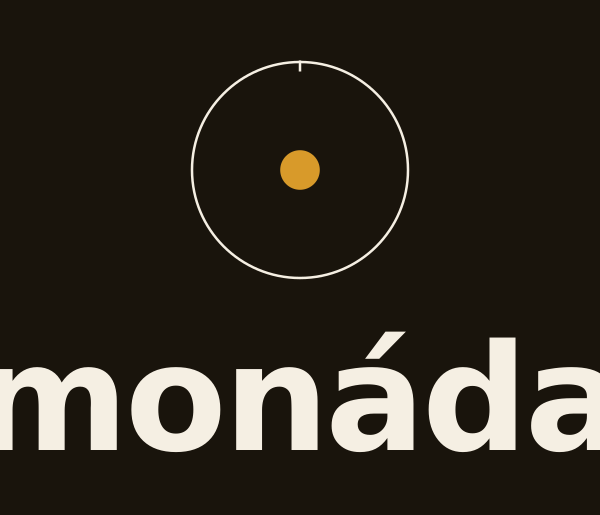
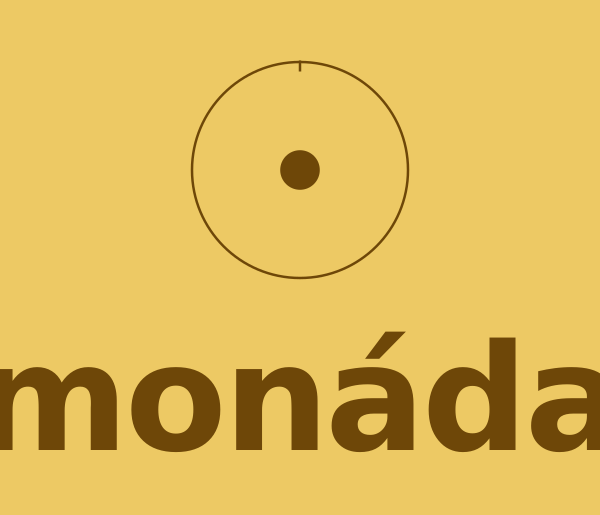
The complete logo — symbol and wordmark, no tagline. Horizontal for letterheads, business cards, the web and any situation where width is available. Stacked (vertical) for square fields, cover pages, posters.
Lockup · horizontal
logo/lockup-horizontal.svg
Lockup · stacked
logo/lockup-stacked.svg
Lockup horizontal · on dark
logo/lockup-horizontal-on-dark.svg
Lockup horizontal · on yellow
logo/lockup-horizontal-on-yellow.svg
Lockup stacked · on dark
logo/lockup-stacked-on-dark.svg
Lockup stacked · on yellow
logo/lockup-stacked-on-yellow.svg
04/Round stamp
Stamp, 40 mm.
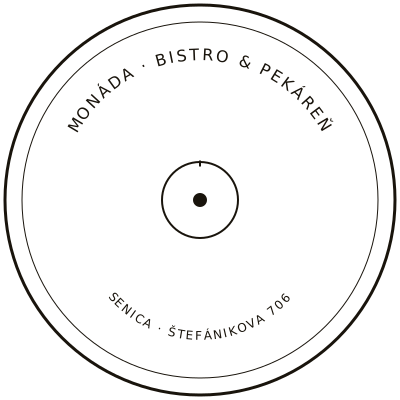
A round stamp in a single ink, ready for a wooden hand stamp or a self-inking rubber stamp. Outer circle ⌀ 40 mm, an inner guide circle, descriptive text along the upper arc, the location along the lower arc, and the dot-in-a-circle in the center.
05/Layers in the SVG
Named groups, no chaos.
Every file has its layers as SVG groups with id attributes — Illustrator and Figma recognize them as separate layers / frames. You can: hide the tick (for a watermark, say), change the dot color, swap the background.
Mark
Three basic layers
For the symbol alone — the simplest structure.
Lockup
Four layers for the full logo
The symbol is nested in #symbol; the other elements are independent — they can be hidden or recolored.
06/Which one to use where
A quick decision.
Web · letterhead · business card
Horizontal lockup
Wherever there is width — website header, letterhead, email signature, business card. Mark on the left, wordmark on the right.
Poster · cover page · packaging
Stacked lockup
Square fields and centered compositions — a poster, the cover of a brand manual, the cover of a recipe booklet.
Favicon · sticker · signature
Mark alone
Wherever there is little space or plenty of context — a favicon, an app icon, a seal, a sticker on a bread bag.
07/Export to PDF / PNG
From one SVG to every format.
The SVG is the source of truth. PDF and PNG are derivatives — we always make them from the SVG so they stay sharp at any size. Here are three reliable ways.
How to make a PDF and PNG.
In every case, start from the matching .svg in the /logo/ folder.
- PNG · quick. Click “PNG @ 1024” on any variant above — a finished PNG downloads.
- PDF · from the browser. Open the SVG in your browser → File → Print → “Save as PDF”.
- PDF / PNG · professional. Illustrator: File → Open → SVG → File → Save As → PDF / Export → PNG (choose 600 dpi for print).
- Figma. Import the SVG → select the frame → Export → SVG / PNG / PDF (Figma keeps the layers).
- Before printing: convert text layers to paths (Outline / Create Outlines) — then you won't need to send the font to the print shop with the PDF.